Click here for iCandy World
view all collections   »   view all iCandy apple
 This content requires Flash
To view this content JavaScript must be enabled and you need the latest version of Adobe Flash Player
Get Flash Player Now

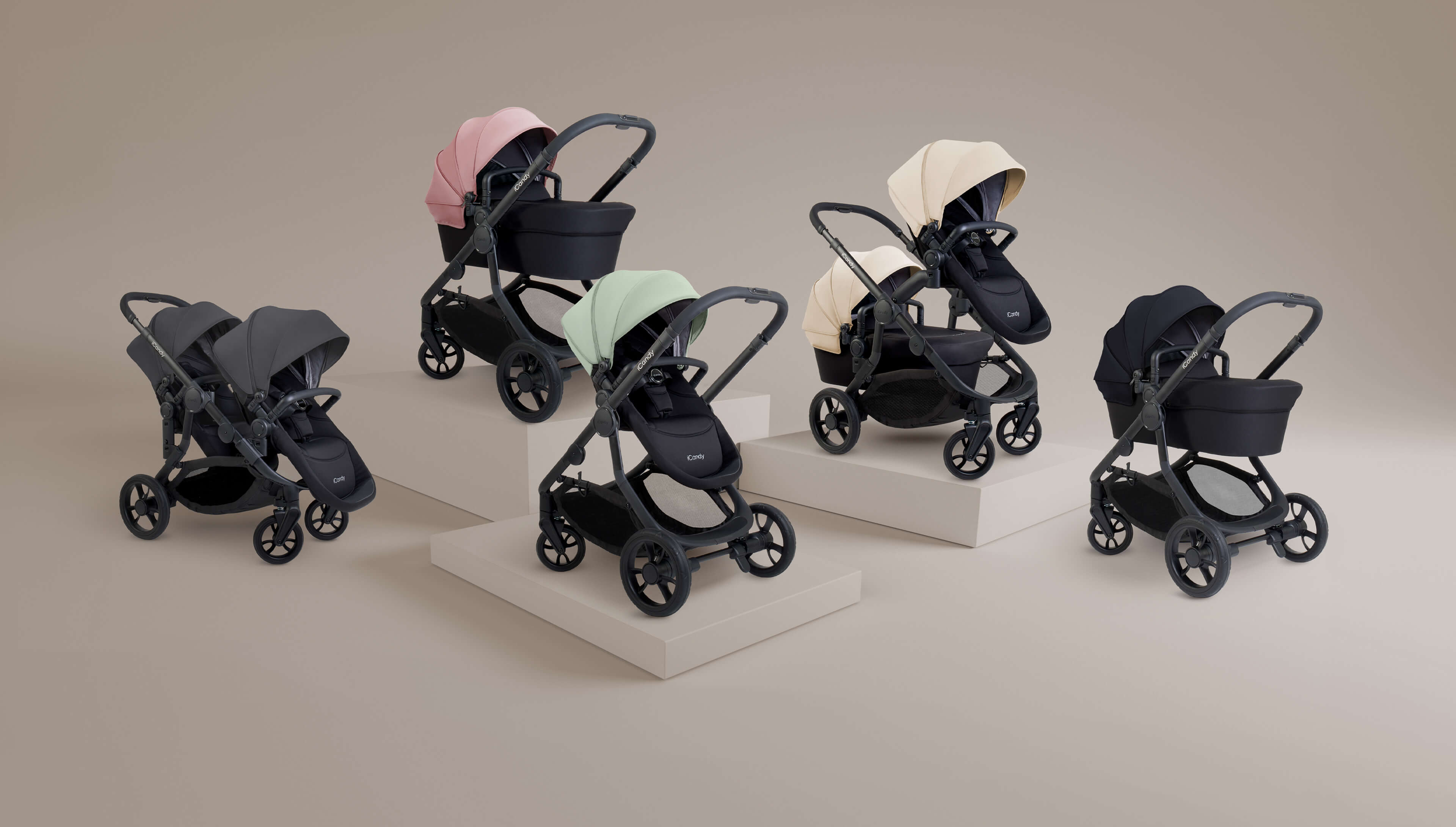
For your newborn, the iCandy apple stroller and jogger have the option to add their own unique iCandy apple carrycot. They are suitable from birth offering the lie-flat position your baby needs, and come complete with a padded mattress with washable liner. A stabilising bar secures the carrycot for a smooth ride and can be disengaged for a gentle rocking motion.

Suitable from birth; ideal until baby is able to sit up upright
Stabiliser can be disengaged for rocking motion
Integral padded carry-handle
Reflective trim
Suitable for overnight sleeping
Padded mattress with washable liner
Apron and Raincover included
Six months manufacturing warranty
Unique stabiliser ensures complete security
Adjustable hood
Folds flat for easy storage
Safety tested and certified to BSEN 1888 and BSEN 1466 2004+A1 2007 for the UK and Europe, ASTM F833-08 and ASTM F2194-07 for the USA and SOR-85-379 for Canada
Sun parasol
5 colour options available
Superfleece luxury footmuff
5 colour options available
Lifestyle changing bag
1 colour option available
Core seat snuggle
7 colour options available
Maxi-Cosi Cabrio infant car seat adapters
iCandy apple to pear upgrade
Cup holder
Parasol/cup holder clamp
Travel bag
  folded dimensions
L x W x H cms
unfolded dimensions
L x W x H cms
weight
kgs
chassis without wheels 90 x 48 x 29 - 8.2
chassis with wheels 90 x 59 x 34 84 x 59 x 113 10.2
carrycot 84 x 44 x 13 84 x 44 x 60 5.5
jogger carrycot 84 x 44 x 13 84 x 44 x 60 5.5
seat unit - 89 x 42 x 13 2.7

To find your nearest iCandy stockist, please enter your postcode in to the box below

UK Postcode:
UK or Eire Region:
Please press the 'play' button above and ensure you have your speakers turned on
Close
title
desc
Close
3D HELP

To rotate the image either click on the image and drag in your desired direction or use the left and right keys on the keyboard.

To zoom in and out either use the scroll wheel on your mouse (if it has one) or use the 'A' or 'Z' keys on the keyboard.
CLOSE HELP
Close
Close